
B2-W OTT
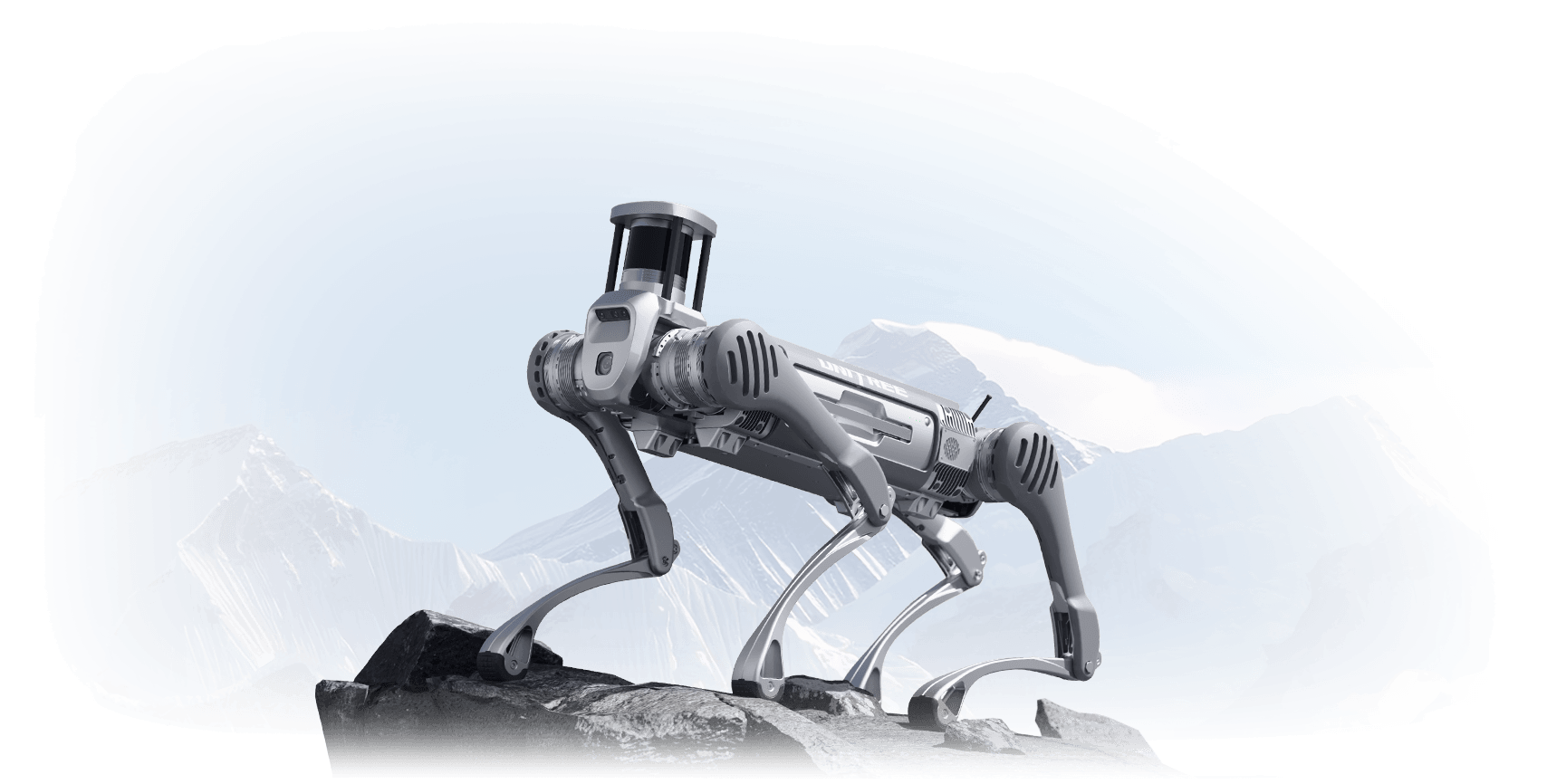
The QRE Advanced B2-W Manipulator is a fully integrated mobile manipulation platform combining the Unitree B2-W wheeled quadruped robot with the Unitree Z1 robotic arm. This system is designed for advanced research and development applications requiring both mobility and manipulation capabilities.
System Overview
The B2-W OTT platform integrates:
Unitree B2-W Wheeled Quadruped: High-speed wheeled locomotion with 50rad/s wheel velocity
Unitree Z1 Robotic Arm: 6-DOF manipulator with gripper for object manipulation
Dual Livox Mid360 LiDAR: Front and rear 3D perception for navigation and mapping
Intel RealSense D435i: Depth camera for close-range perception and manipulation
Pan-Tilt Camera System: Dynamixel-actuated camera mount for enhanced field of view
Specifications
Physical Dimensions:
Standing Height: 758mm
Folded Height: 450mm
Weight (with battery): About 85kg
Mobility:
Maximum Wheel Velocity: 50rad/s
Maximum Standing Load: About 40kg
Continuous Walking Load: About 120kg
Payload Configuration:
The robot supports various payload configurations including the Z1 arm, pan-tilt camera systems, sensor arrays, and custom payloads.
Quick Start Guide
1. Power On:
Press the battery power button once, then hold for 3 seconds. The robot will initialize and the ROS2 services will start automatically.
2. Verify Services:
systemctl status b2-hardware
systemctl status b2-webserver
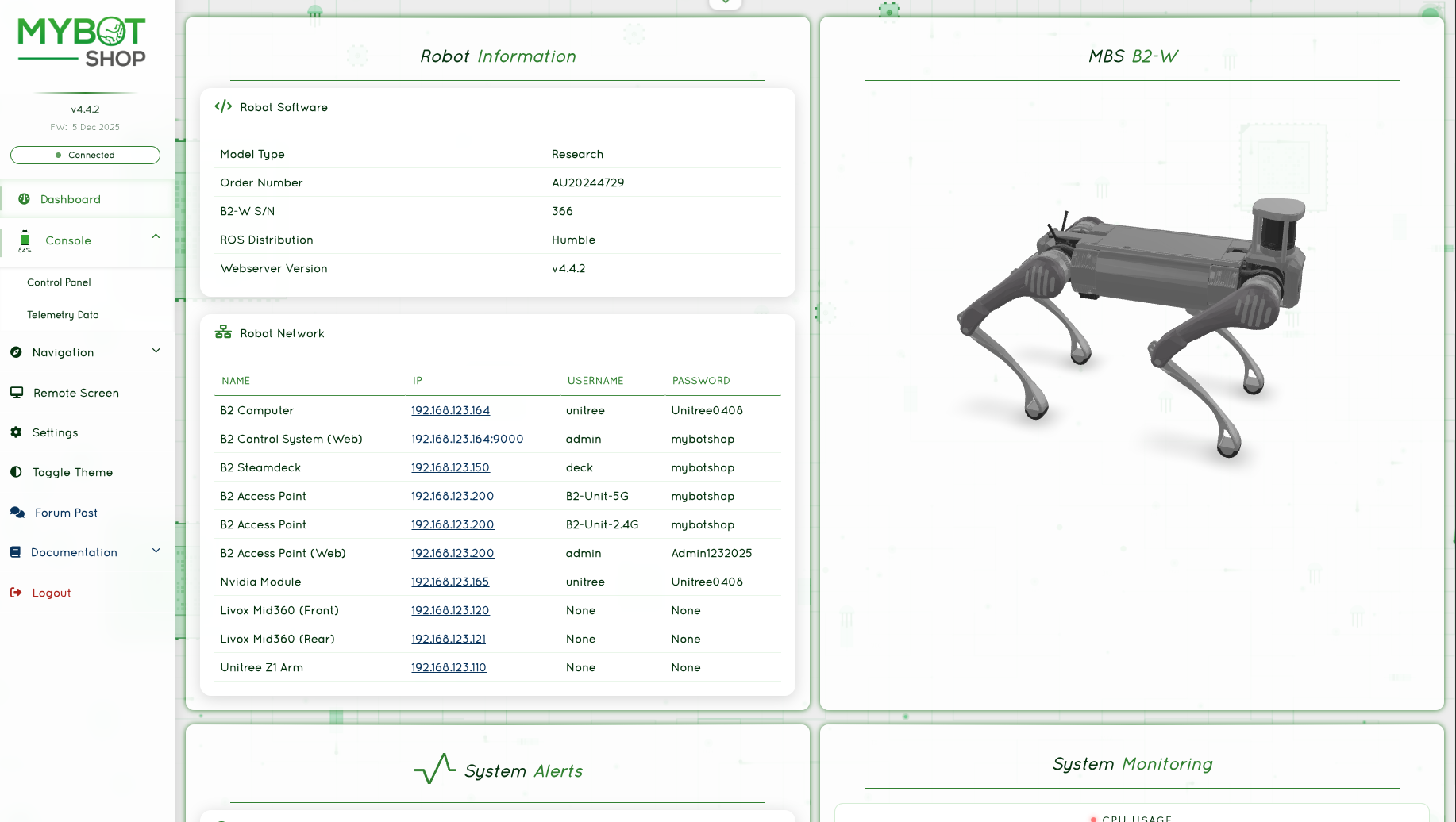
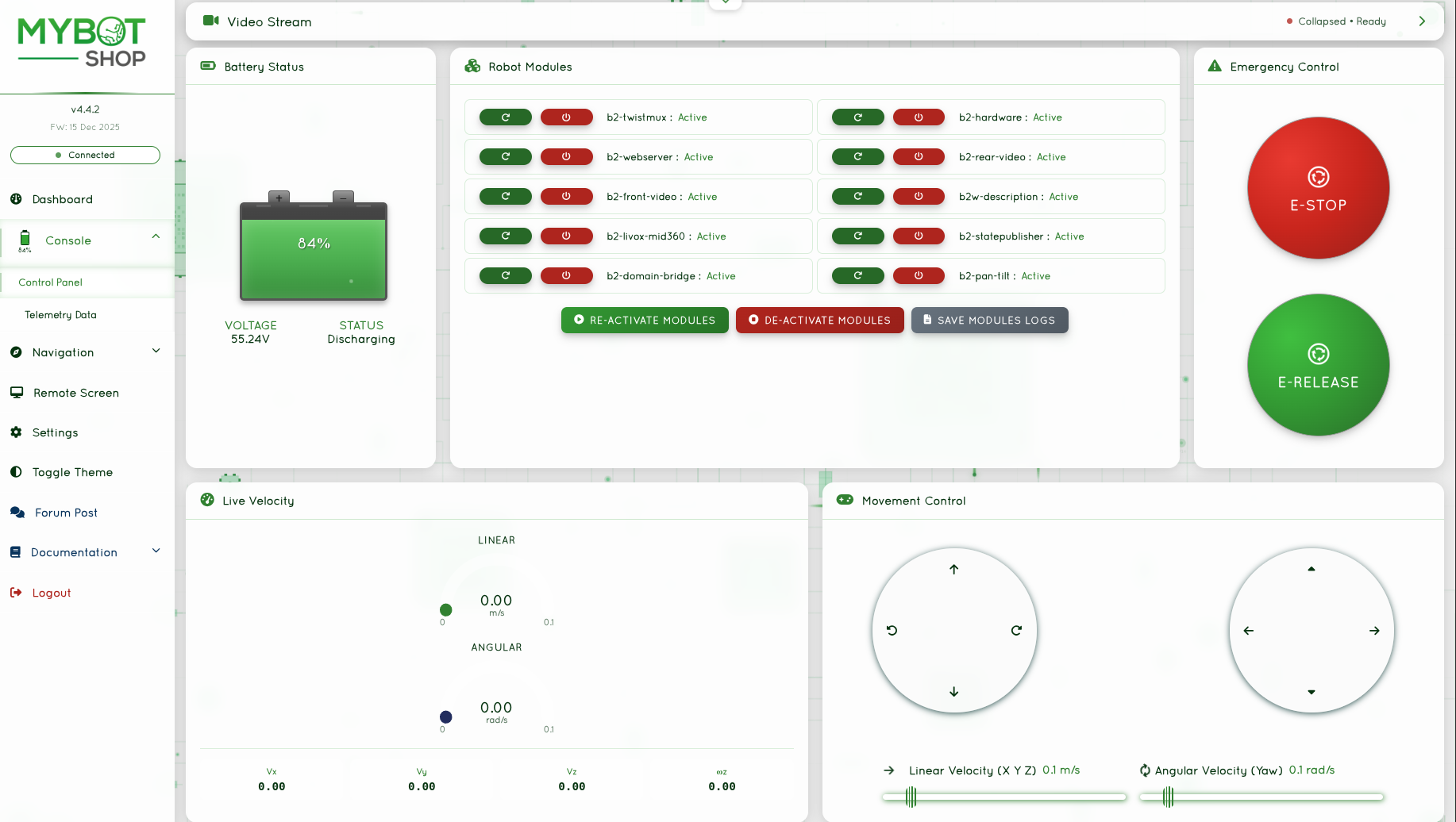
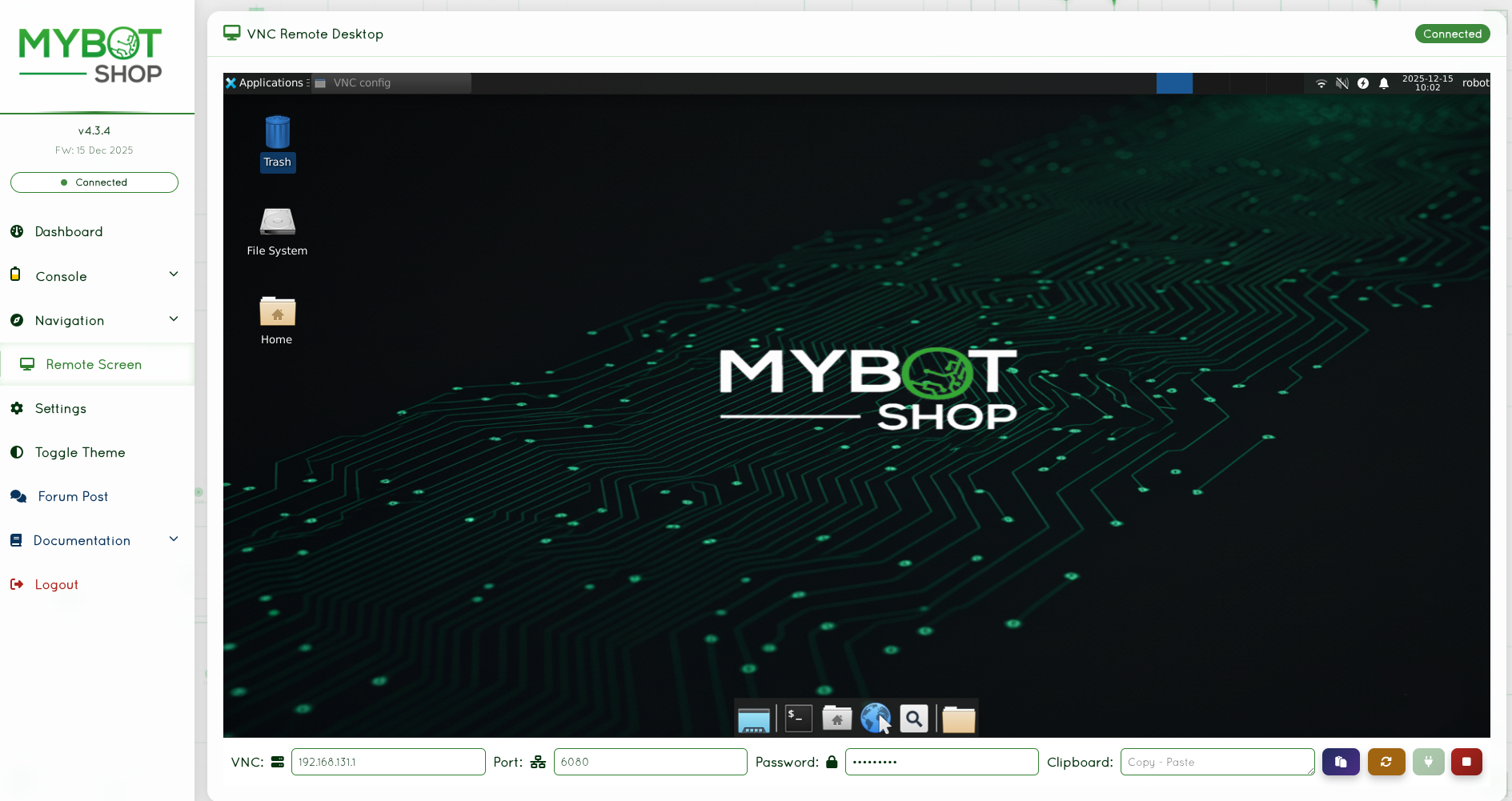
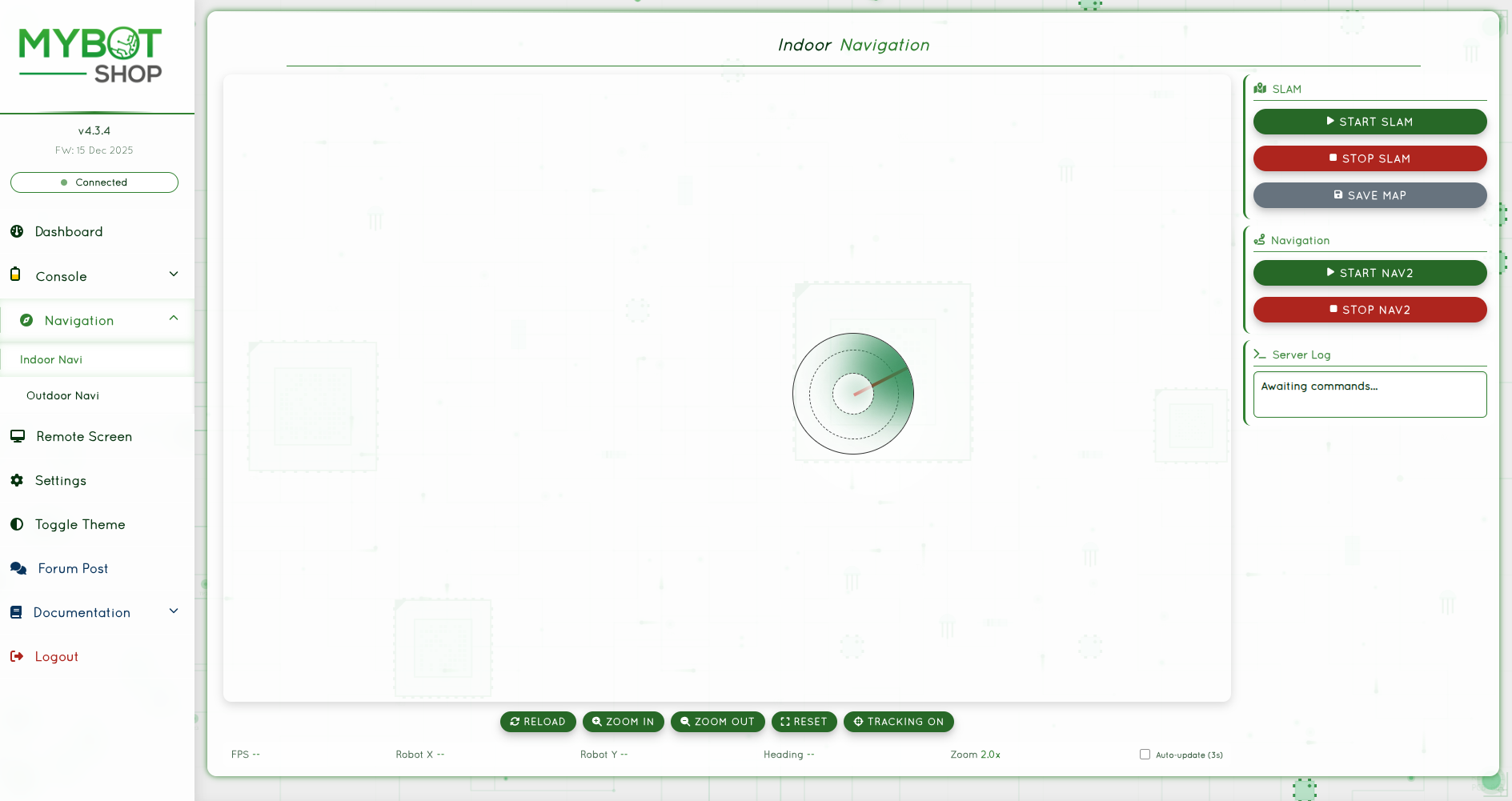
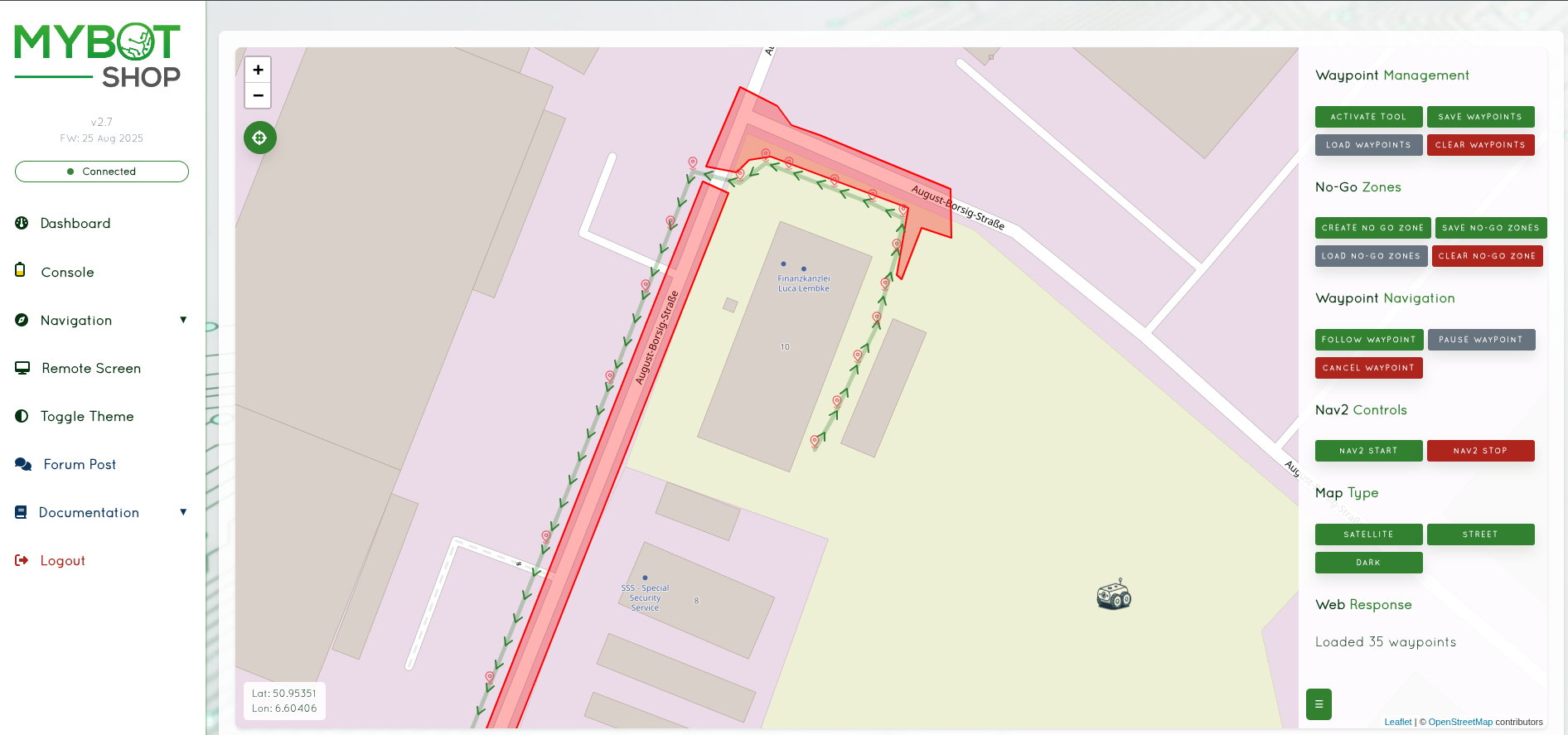
3. Access Webserver:
Navigate to http://192.168.123.164:9000 in a web browser for the control interface.
|
|
|
|
4. Stand Up:
ros2 service call /b2_unit_001/hardware/modes \
  b2_interface/srv/B2Modes "{request_data: 'stand_up'}"
5. Control Movement:
ros2 topic pub /b2_unit_001/cmd_vel geometry_msgs/msg/Twist \
  "{linear: {x: 0.5, y: 0.0, z: 0.0}, angular: {x: 0.0, y: 0.0, z: 0.0}}"
Robot Modes
The B2-W supports various operational modes:
Mode |
Description |
|---|---|
damp |
Damping mode (safe state) |
stand_up |
Stand up from lying position |
stand_down |
Lie down safely |
recovery |
Recovery mode for fault conditions |
gait_idle |
Idle gait (standing) |
gait_trot |
Trotting gait |
gait_trot_running |
Running trot gait |
gait_flatwalk |
Flat terrain walking |
speed_low / speed_high |
Speed settings |
body_height_low/mid/high |
Body height settings |
Z1 Arm Control
Important
EXPERIMENTAL: The Z1 driver is under active development.
Enable the arm:
ros2 service call /b2_unit_001/z1/enable std_srvs/srv/Trigger
Send trajectory command:
ros2 topic pub --once /b2_unit_001/z1/joint_trajectory \
  trajectory_msgs/msg/JointTrajectory "{
    joint_names: ['joint1', 'joint2', 'joint3',
      'joint4', 'joint5', 'joint6', 'jointGripper'],
    points: [{
      positions: [0.0, 1.57, -1.57, 0.0, 0.0, 0.0, 0.0],
      time_from_start: {sec: 3, nanosec: 0}
    }]
  }"
Disable the arm:
ros2 service call /b2_unit_001/z1/disable std_srvs/srv/Trigger
Pan-Tilt Camera System
The pan-tilt camera mount uses Dynamixel servos:
Servo 0 (Pan): Range 1150-3200, Default 2170
Servo 1 (Tilt): Range 230-900, Default 565
Control via webserver sliders or ROS2 topics:
# Center pan servo
ros2 topic pub --once /dynamixel/servo_0/command \
  std_msgs/msg/Float64 "data: 2170"

# Center tilt servo
ros2 topic pub --once /dynamixel/servo_1/command \
  std_msgs/msg/Float64 "data: 565"
Sensor Systems
Livox Mid360 LiDAR:
Front LiDAR: 192.168.123.120
Rear LiDAR: 192.168.123.121
Topics:
/livox/front/lidar- Front point cloud/livox/rear/lidar- Rear point cloud/livox/front/imu- Front IMU/livox/rear/imu- Rear IMU
Intel RealSense D435i:
Topics:
/camera/color/image_raw- Color image/camera/depth/image_rect_raw- Depth image/camera/depth/color/points- Point cloud/camera/imu- Camera IMU
Simulation
Launch the B2-W in Gazebo Fortress:
ros2 launch b2_gazebo spawn.launch.py
With Z1 arm:
export B2_Z1=1
ros2 launch b2_gazebo spawn.launch.py
Network Configuration
IP Address |
Device |
Username |
Password |
|---|---|---|---|
192.168.123.161 |
B2 MCU |
x |
x |
192.168.123.164 |
B2 Nvidia Orin NX |
unitree |
Unitree0408 |
192.168.123.164:8080 |
B2 Webserver |
admin |
mybotshop |
192.168.123.120 |
Livox Mid360 Front |
x |
x |
192.168.123.121 |
Livox Mid360 Rear |
x |
x |
ROS_DOMAIN_ID is set to 10.
Debugging
Check Services:
systemctl list-units --type=service --state=active | grep b2
View Logs:
journalctl -u b2-hardware -f
Restart Services:
sudo systemctl restart b2-hardware
sudo systemctl restart b2-webserver
Safety Guidelines
Warning
Always maintain a safe distance from the robot during operation. The robot can move quickly and unexpectedly.
Keep the emergency stop accessible at all times
Ensure the operating area is clear of obstacles and personnel
Monitor battery levels to prevent sudden shutdowns
Do not exceed the maximum payload capacity
Perform regular maintenance checks on mechanical components
For detailed safety information, refer to the safety guidelines section.